
Healthcare Marketing
Automated Patient Intake Systems: Transforming Clinic Efficiency
June 4, 2026 · Zack Siegel · 10 min read
By Zack Siegel, Think Bullish LLC
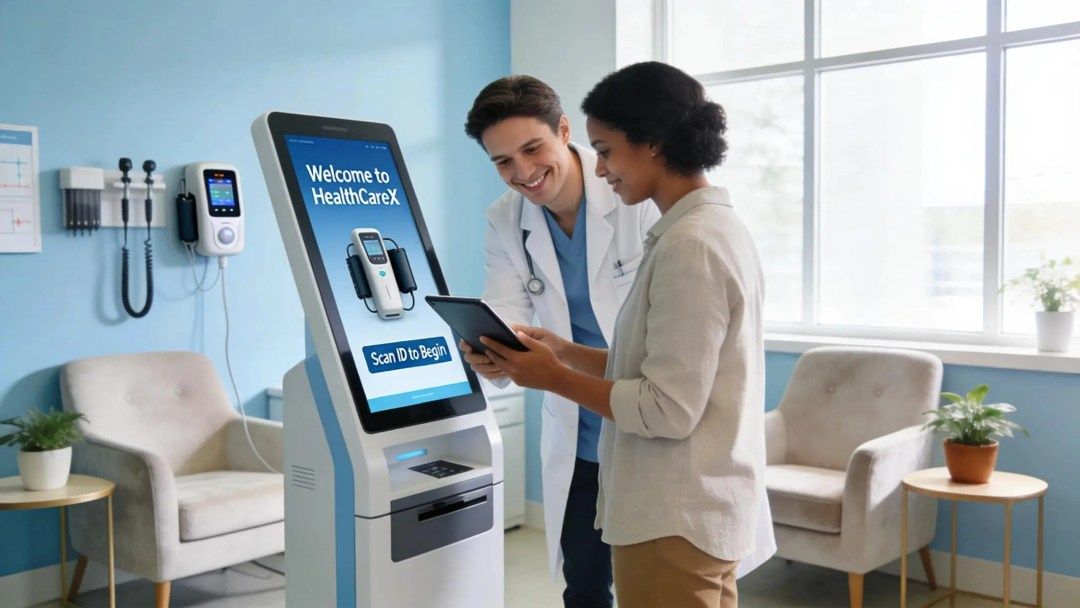
Automated patient intake systems are changing how clinics run by cutting administrative friction and improving the patient experience. By automating registration, data capture, and routine communications, clinics free staff to focus on care while reducing errors and delays.
This article explains how these systems lighten administrative workloads, tighten data management, and support compliance and revenue goals. Many practices still rely on manual intake workflows that are slow and error-prone; automation provides a clear path to faster check‑ins, more accurate records, and a smoother patient journey.
Below we cover the core benefits, typical implementation challenges, real‑world examples, and the features that make automated intake indispensable in modern care settings.
Benefits of Automated Patient Intake Systems

Introducing automation into patient intake produces measurable gains across operations and patient satisfaction.
- Streamlined Administrative Tasks: Automation reduces manual registration and data entry so front‑desk teams can spend more time with patients.
- Improved Data Management: Digital intake captures structured, accurate data that’s easier to access and update, cutting down on transcription errors.
- Reduced No‑Show Rates: Automated reminders and confirmations help lower no‑shows, letting clinics keep schedules full.
- Enhanced Patient Experience: Faster, predictable check‑ins and clearer communication make visits less stressful for patients.
- Personalized Care: With reliable intake data, providers can tailor visits and follow‑ups to individual patient needs.
These benefits show why automated intake is central to operational transformation. Think Bullish focuses on building patient acquisition infrastructure for healthcare providers — our AI front desk receptionist service is designed for clinics that want to move faster without sacrificing care quality.
Implementation Challenges
Despite clear upside, implementation requires planning and change management.
- Integration with Existing Systems: Legacy EHRs and scheduling platforms can complicate integration—expect mapping, testing, and phased rollouts.
- Data Privacy Concerns: Protecting PHI and meeting HIPAA obligations demands encrypted channels, access controls, and vendor compliance guarantees.
- Initial Costs: Upfront software and setup costs can be a hurdle; evaluate total cost of ownership and projected efficiency gains to plan ROI.
Addressing these issues means choosing partners that provide technical support, clear integration plans, and staff training. With the right approach, automation becomes an operational asset rather than a disruption.
Relevant Case Studies
Real implementations highlight the practical impact of automated intake.
- Case Study 1: A mid‑sized family practice in Texas adopted an automated intake system and saw a 30% boost in operational efficiency, plus a meaningful drop in no‑shows.
- Case Study 2: A specialist clinic in Florida added an AI receptionist to streamline scheduling, increasing patient throughput and satisfaction.
- Case Study 3: A California hospital network rolled out intake automation across multiple sites and reduced administrative workload by about 25%, freeing staff for direct patient care.
These examples demonstrate the practical returns clinics can achieve when automation is implemented thoughtfully.
How Do Automated Patient Intake Systems Improve Clinic Workflow?
Automated intake simplifies workflows by removing repetitive manual steps and speeding access to key patient information.
The main ways these systems improve workflow include:
- Time Savings: Less time spent on paperwork and data entry means more time for patient interaction and clinical tasks.
- Error Reduction: Structured digital forms cut down on mistakes from manual transcription, improving record accuracy and compliance.
- Improved Patient Experience: Shorter waits and clearer instructions lead to higher satisfaction and better visit outcomes.
- Enhanced Engagement: Automated reminders, intake communications, and follow‑ups keep patients informed and more likely to complete care plans.
- Revenue Growth: Better scheduling utilization and fewer missed visits contribute to stronger financial performance over time.
Explore how precise data capture and smarter workflows—consistently shown in current research—drive measurable improvements in patient intake and clinic efficiency.
Optimizing Patient Intake Efficiency: Data Accuracy and Workflow Improvement
ABSTRACT: Martin, Breanna. Walden University — ProQuest Dissertations & Theses, 2026. 32443665.Optimizing Patient Intake Efficiency: Integrating Data Accuracy and Workflow Improvement Strategies, 2026
Think Bullish also offers strategic medical marketing services to help clinics amplify reach and improve patient acquisition.
What Are the Key Features of Patient Intake Software?
Leading intake platforms include a set of core features that make day‑to‑day operations smoother.
Common, high‑value features include:
| Feature | Description |
|---|---|
| Automated Appointment Scheduling | Enables patients to book and manage appointments online at their convenience. |
| AI‑Powered Chatbots | Delivers quick answers and guides patients through common tasks outside business hours. |
| Automated Data Collection | Captures patient demographics, medical history, and intake forms digitally to reduce manual paperwork. |
| Dynamic Content Optimization | Personalizes communications and form flows based on patient data for a smoother experience. |
| Predictive Analytics | Uses trends and historical data to forecast demand and optimize scheduling. |
These capabilities not only streamline operations but also create a more responsive, patient‑focused intake experience.
Clinic Appointment Automation and Scheduling
Automated scheduling addresses common bottlenecks in traditional booking workflows.
With tools like clinic appointment automation, practices can manage calendars more efficiently and reduce manual scheduling work.
That operational lift lets clinics concentrate on delivering care instead of juggling logistics.
What Are the Benefits of AI Receptionists in Medical Practice Workflow Optimization?
AI receptionists expand capacity at the front desk and improve consistency in patient interactions.
- Efficiency Improvements: AI handles bookings, reminders, and common inquiries concurrently, lightening staff workloads.
- Patient Engagement: Fast, consistent responses help patients get the information they need and feel supported.
- Error Reduction: Automation lowers scheduling and data entry mistakes, improving record accuracy.
Replacing repetitive tasks with AI support improves throughput and elevates the patient experience.
How Does AI Front Desk Technology Enhance Patient Onboarding?
AI front desk tools make initial patient contact faster, clearer, and more welcoming.
- 24/7 Availability: AI can answer questions and take bookings any time, so patients aren’t limited to office hours.
- Automated Appointment Scheduling: Patients schedule visits through intuitive interfaces instead of relying on phone calls.
- Data Collection and Analysis: Intake systems capture structured data during onboarding so care teams start visits with better context.
Smoother onboarding helps patients feel valued from the first interaction and increases the chance they’ll return.
How Does AI Receptionist Reduce Revenue Leakage?
AI receptionists address common sources of lost revenue by tightening scheduling and follow‑up processes.
- Reducing Missed Appointments: Timely reminders and confirmations keep more patients showing up for scheduled visits.
- Optimizing Patient Flow: Smarter scheduling avoids gaps and overbooking, balancing demand and capacity.
- Comprehensive Data Tracking: Analytics reveal patterns that help practices cut inefficiencies and recover lost revenue.
When scheduling and follow‑up work reliably, clinics see fewer missed opportunities and steadier revenue.
How Can Automated Patient Intake Systems Ensure Compliance and Data Security?
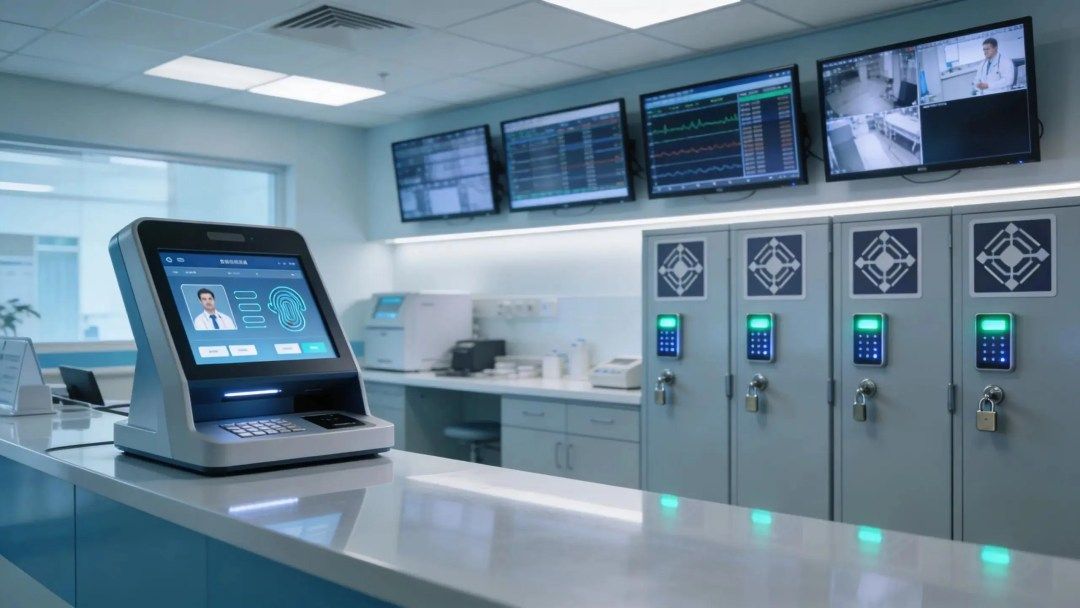
Automated intake tools play a central role in protecting patient data and enforcing regulatory controls.
- Compliance with Regulations: Systems can enforce required workflows and collect consent documentation that aligns with standards like HIPAA.
- Data Security Measures: Encryption, role‑based access, and secure hosting protect sensitive patient information from unauthorized access.
- Risk Mitigation Strategies: Automation reduces manual handling of PHI, lowering the chance of human error that can lead to breaches.
Clinics that adopt robust intake platforms can better manage compliance responsibilities while protecting patient trust.
What Compliance Risks Do Automated Systems Mitigate?
Automation helps clinics close gaps that commonly create compliance exposure.
- Better Data Management: Consistent, auditable records cut down on missing or inconsistent patient information.
- Regulatory Compliance: Built‑in rules and prompts make it easier to follow required procedures and document actions.
- Patient Consent Management: Electronic consent workflows simplify capturing and storing signed permissions.
As platforms evolve, these capabilities continue to strengthen clinics’ compliance postures.
What Metrics Demonstrate the ROI of Patient Intake Automation?
Measuring ROI requires tracking specific operational and financial indicators.
- Reduction in No‑Shows: Many clinics report 20–30% drops in no‑shows after rolling out automated reminders.
- Increases in Patient Engagement: Better communication often translates to higher satisfaction and adherence to care plans.
- Financial Performance Indicators: Higher appointment volume, improved scheduling utilization, and lower admin hours reflect tangible financial gains.
These metrics help build a clear business case for automation investments.
How Is Automated Patient Intake Integrated With Existing Clinic Systems?
Smooth integration is key to capturing automation’s full value.
- Challenges in Integration: Legacy systems can require custom connectors or middleware; thorough testing and phased deployment reduce risk.
- Streamlining Current Operations: Integration should enhance, not replace, effective workflows—prioritize incremental changes and staff input.
- Ensuring Data Consistency: Mapping fields and validating syncs keep patient records accurate across platforms.
With deliberate planning and the right vendor support, clinics can incorporate automated intake without disrupting care delivery.
What Are Best Practices for Implementing Patient Intake Software?
Successful rollouts follow a clear, people‑centered approach.
- Assessing Current Needs: Start with the clinic’s pain points and workflows to choose features that solve real problems.
- Training Staff: Practical training and quick reference guides help staff adopt the system and use it confidently.
- Monitoring Progress: Track performance data and user feedback to fine‑tune the system and improve results over time.
Following these steps helps clinics realize benefits faster and with less friction.
Which Industry Trends Are Shaping the Future of Automated Patient Intake Systems?
Several trends are steering where intake technology is headed.
- Technological Advancements: Improvements in AI, natural language processing, and analytics will make intake smarter and more personalized.
- Regulatory Changes: Ongoing regulatory updates require platforms that can adapt quickly to new compliance rules.
- Patient Expectations: Growing demand for speed and convenience will push practices to offer seamless digital experiences.
Keeping visibility online matters — our SEO for medical practice services help clinics stay discoverable as these trends evolve.
Frequently Asked Questions
1. How do automated patient intake systems handle patient privacy?
Automated intake platforms are built with privacy in mind: they use encryption, access controls, and secure storage to protect PHI. Systems can also support electronic consent captures and audit logs so you can demonstrate compliance. Choose vendors that provide clear HIPAA‑compliance documentation and regular security updates.
2. What kind of training is necessary for clinic staff when implementing these systems?
Training should be role‑based and hands‑on: front‑desk staff need practical sessions on check‑in flows, billing teams need guidance on data exports, and clinical staff should learn where intake data appears in the EHR. Offer refresher training after major updates and keep quick reference materials available.
3. Can automated systems adapt to different patient demographic needs?
Yes. Leading systems offer language options, adjustable question sets for different ages or conditions, and accessibility features. Configurable workflows let clinics tailor the intake experience for diverse patient populations.
4. How do automated systems impact the accessibility of healthcare services?
Automation improves access by enabling online scheduling and 24/7 form completion, which helps patients who can’t call during business hours or who have mobility or transportation barriers. Integration with telehealth intake also streamlines virtual visit preparation.
5. What methods are used to evaluate the effectiveness of automated intake systems?
Effectiveness is measured with metrics like no‑show rate, check‑in time, patient satisfaction scores, and administrative hours saved. Collect staff and patient feedback to identify friction points and iterate on workflows.
6. What should clinics consider before selecting an automated intake solution?
Evaluate compatibility with your EHR, total cost of ownership, ease of use for patients and staff, and the vendor’s support model. Run a pilot or demo with real users and consult peers for references before committing.
7. Are there potential downsides to using automated patient intake systems?
Potential downsides include upfront costs, technical glitches, and resistance from staff or patients unfamiliar with digital tools. Plan for fallback processes, provide training, and maintain a balance between automation and personal touch to support all patients.
Conclusion
Automated patient intake systems drive meaningful efficiency gains by streamlining administrative tasks, improving data quality, and elevating the patient experience. When paired with strong security and a thoughtful implementation plan, these tools reduce errors, increase engagement, and support compliance. If your clinic is ready to modernize intake and see measurable results, explore our solutions to accelerate adoption and improve outcomes.
About the author
Zack Siegel
Founder & CEO of Think Bullish. Since 2017 he's helped 441+ medical practices grow with done-for-you advertising, an A.I. front desk, and full-funnel patient-acquisition systems.
More from Zack Siegel →